Auto refresh Free
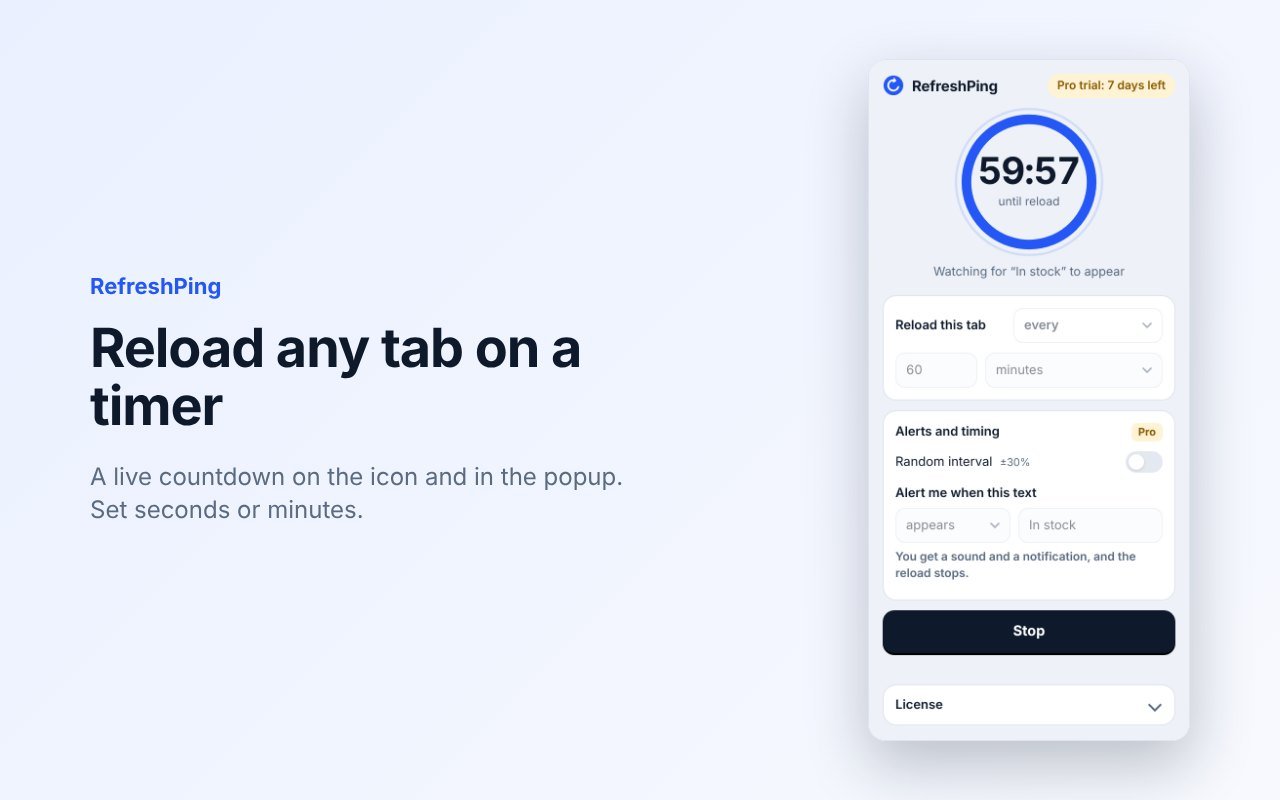
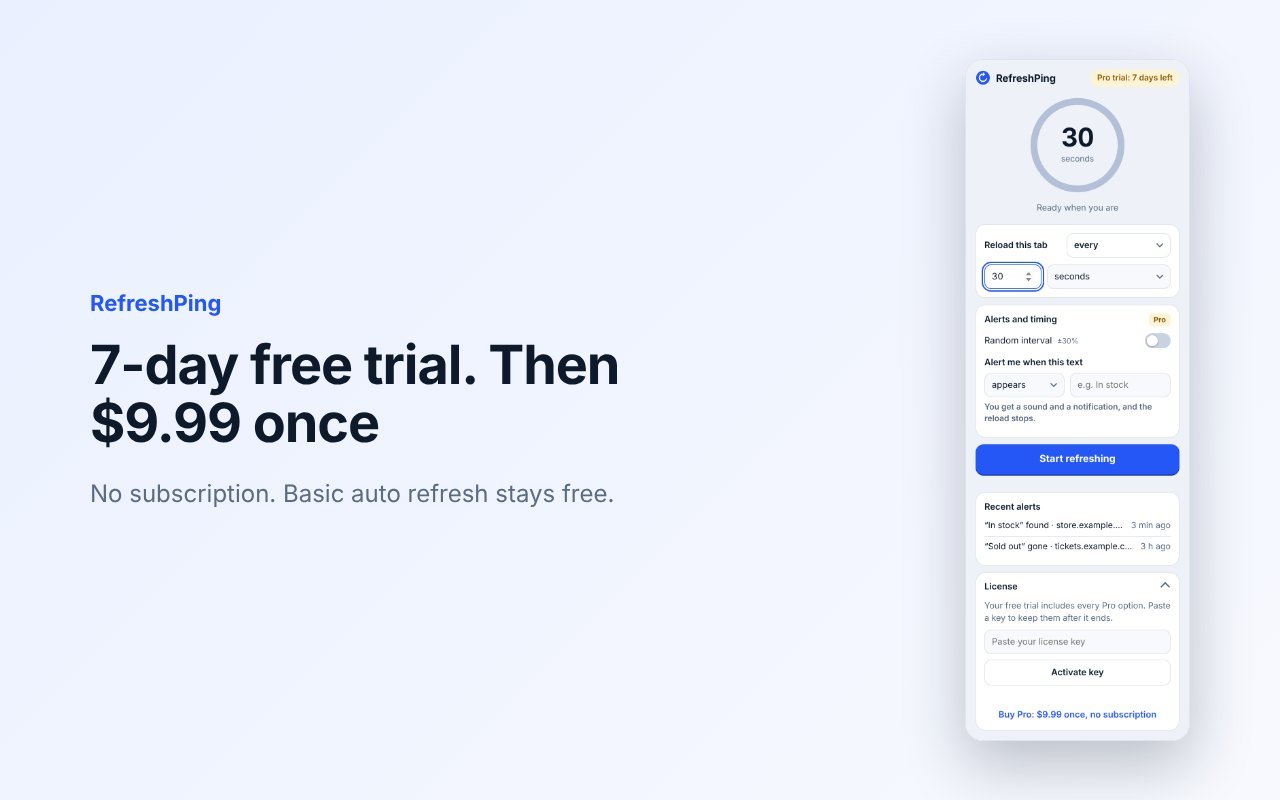
Reload the active tab every 5 seconds or more, in seconds or minutes. Countdown on the toolbar icon. Remembers the settings for each site.
— Chrome extension
RefreshPing reloads the page you choose and alerts you when a text you pick appears or disappears. Built for restocks, ticket sales, appointment slots and status pages.
7-day free trial · $9.99 one-time · no subscription
Chrome Web Store listing is in review. The install link will be here as soon as it is approved.
— Screenshots
— Features
Reload the active tab every 5 seconds or more, in seconds or minutes. Countdown on the toolbar icon. Remembers the settings for each site.
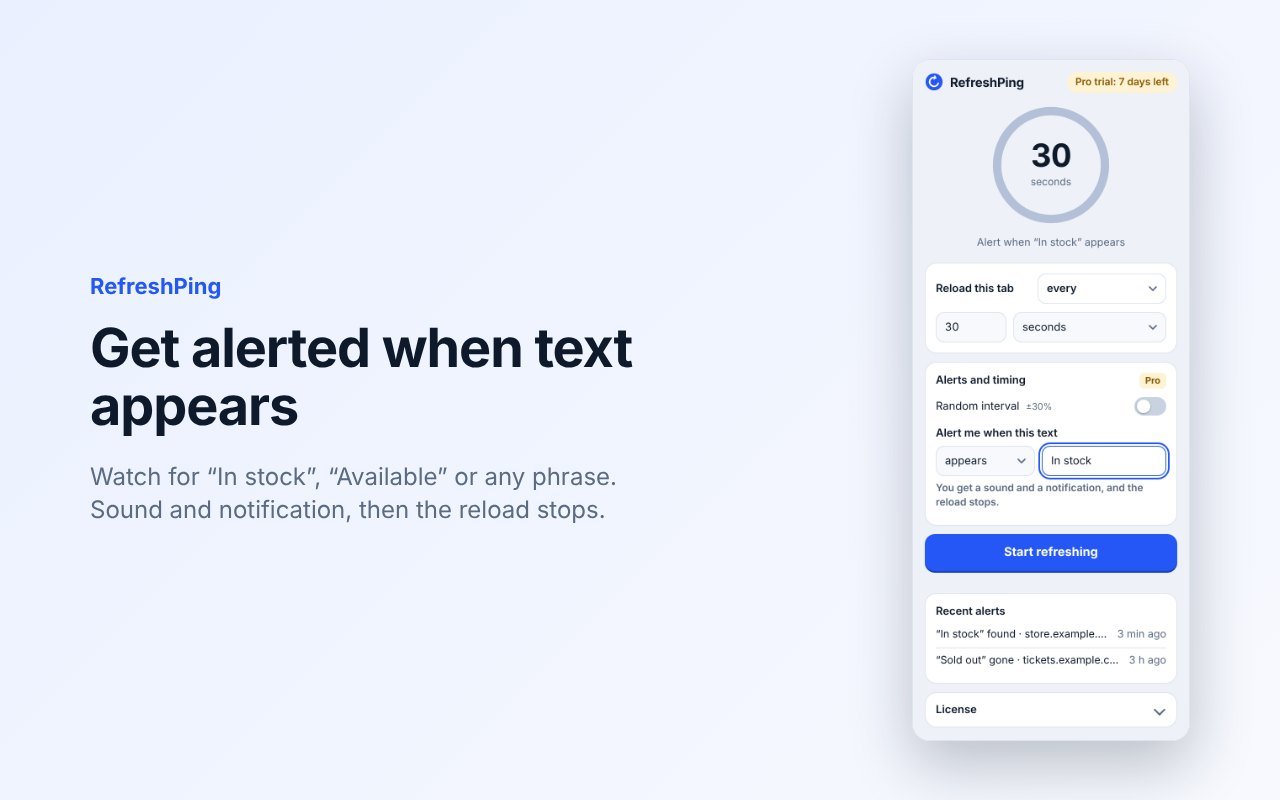
Pick a word or phrase, like “In stock”. After every reload RefreshPing watches the page, including content that loads late and content inside iframes. When it appears or disappears you get a sound and a notification, and the reload stops.
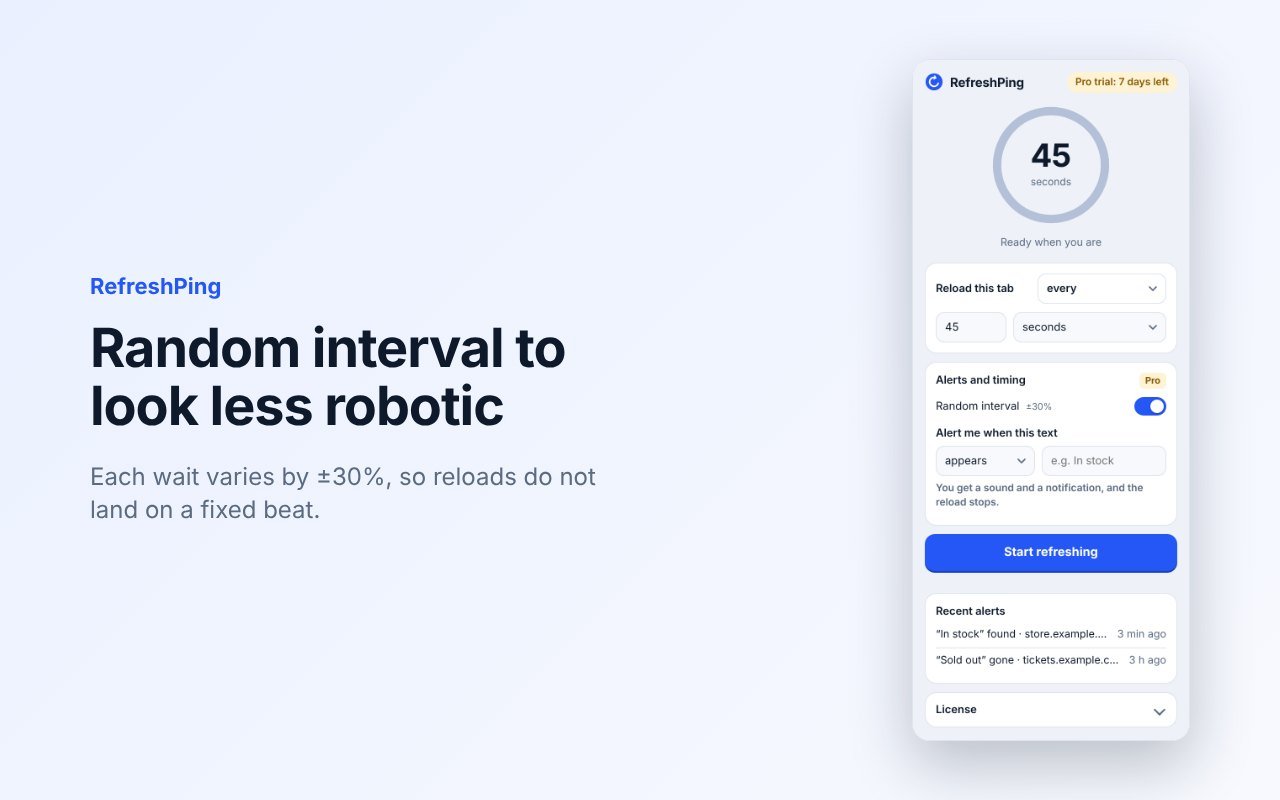
Each wait varies by ±30%, so reloads do not land on a fixed beat.
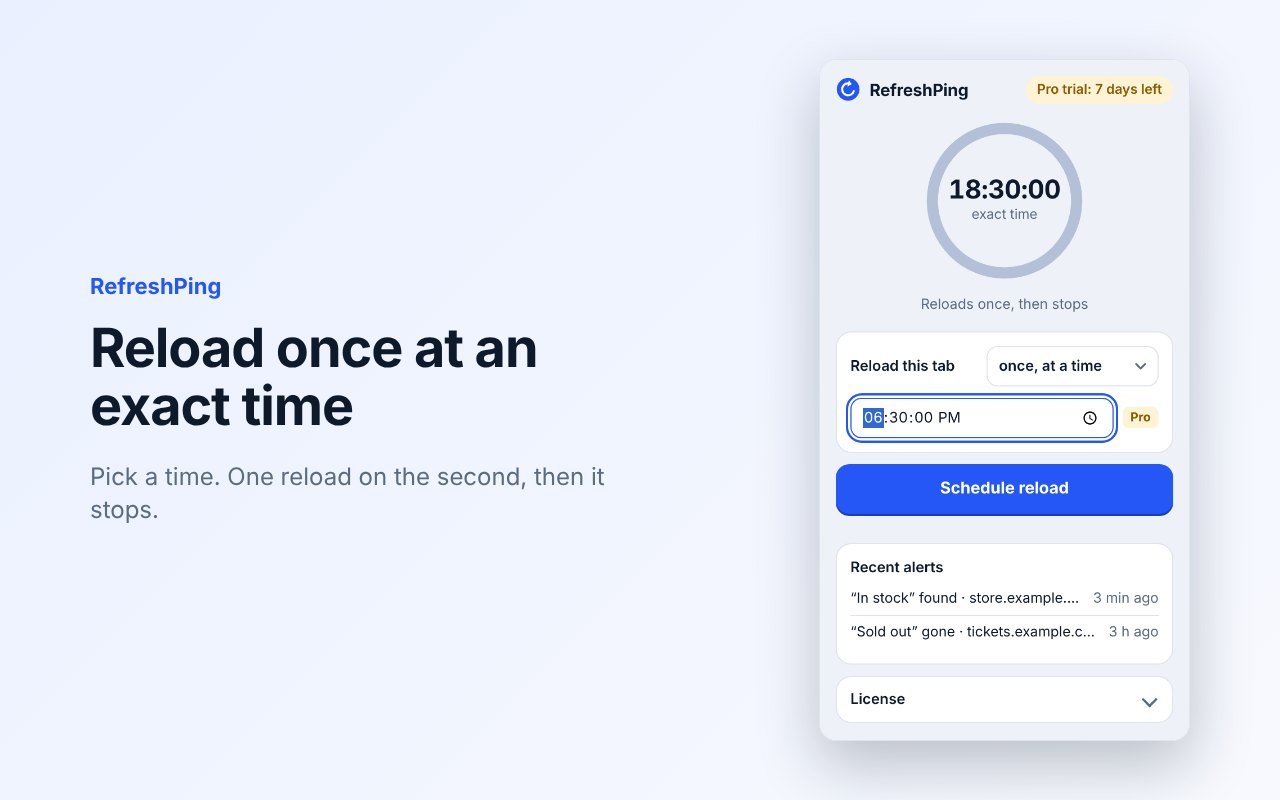
Pick a time. One reload on the second, then it stops. Useful for sales that open at a set hour.
— Pricing
$0
$9.99 one-time · no subscription
— How it works
Go to the page you want to watch.
Click RefreshPing, choose the interval and, optionally, the text to watch for. Chrome asks to allow that one site.
Click Start. When your text appears, you hear it and see it. The reload stops so the page stays as it is.
— Good to know
No accounts, no analytics, no ads. Page text is read inside your browser and never sent anywhere. The only network call is the license check. Read the privacy policy →
— FAQ
Basic auto refresh is free. Pro adds text alerts, random interval and exact-time reload. You get a 7-day trial with everything on, then Pro costs $9.99 once. No subscription.
Any normal http or https page. For text alerts Chrome asks you to allow that site the first time. It does not run on chrome:// pages or the Chrome Web Store.
No. The tab and Chrome need to be open. If you close the tab, the refresh stops.
It can, if you reload very fast. The minimum is 5 seconds, and on large retail sites we recommend 30 seconds or more. The random interval also helps.
One. If you change computers, open the license section in the popup and click “Deactivate this device”, then activate the key on the new one.
None. The only network request is the license check to Polar, which sells the license. See the privacy policy.
Stackbit builds custom extensions, internal tools and automations. A 30-minute conversation is enough to know whether it is worth building.
We reply within 24 hours. Available during Americas and Europe business hours.